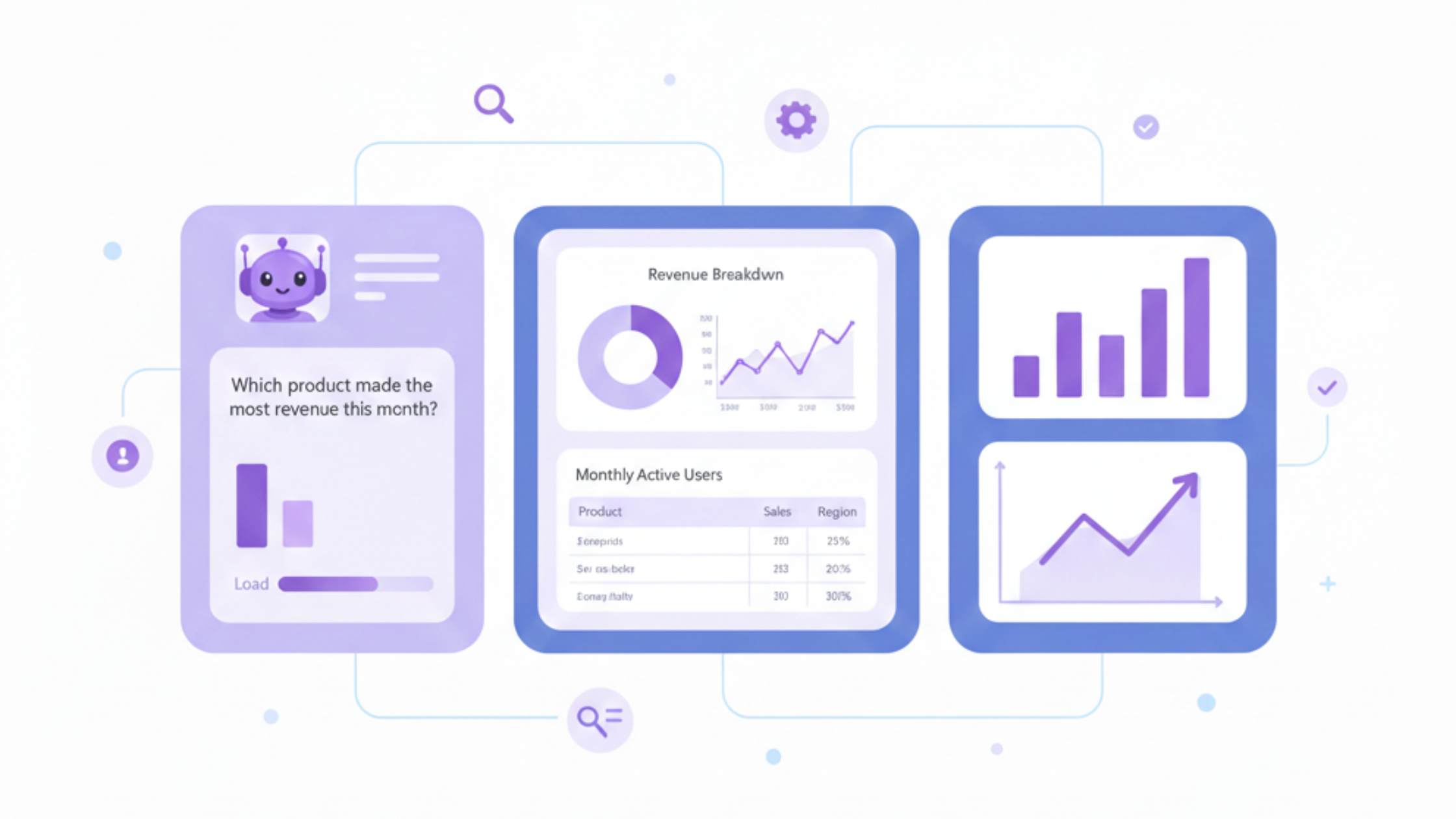
Pre-built dashboards are often the first analytics solution BigCommerce store owners rely on. They are easy to activate, visually appealing, and provide a quick overview of store performance.
However, as a BigCommerce store grows, pre-built dashboards become increasingly restrictive. They are designed for generic use cases and rarely adapt to the specific questions founders and teams need answered.
This article explains why custom charts are more effective than pre-built dashboards for BigCommerce analytics and reporting, and how Chartsy enables flexible, decision-focused BigCommerce reporting.
What Are Pre-Built Dashboards in BigCommerce Analytics?
Pre-built dashboards are fixed analytics views that show a predefined set of metrics such as revenue, orders, conversion rate, and traffic.
Benefits of Pre-Built Dashboards
- Quick setup with no configuration
- Useful for high-level monitoring of BigCommerce KPIs
- Suitable for early-stage stores needing basic reporting
Limitations of Pre-Built Dashboards
- Fixed metrics and layouts
- Limited filtering and customer segmentation
- Minimal support for deep BigCommerce analytics
- Poor adaptability as stores scale and reporting needs evolve
What Are Custom Charts in BigCommerce Reporting?
Custom charts allow users to define which metrics to analyze, how data is filtered, how it is visualized, and which time periods or customer segments are compared.
In BigCommerce analytics, custom charts support exploration and actionable insights, not just passive monitoring.
Pre-Built Dashboards vs Custom Charts
| Feature | Pre-Built Dashboards | Custom Charts |
|---|---|---|
| Setup | Instant | Configurable |
| Metric Selection | Fixed | Flexible |
| Filtering | Limited | Advanced |
| Customer Segmentation | Rare | Built-in |
| Time Comparisons | Static | Dynamic |
| Analytical Depth | Shallow | Deep |
| Scalability | Decreases over time | Improves with growth |
Why Pre-Built Dashboards Fall Short for BigCommerce Stores
One-Size-Fits-All Assumptions
Every BigCommerce store differs in pricing models, customer behavior, refund patterns, and growth strategy. Pre-built dashboards assume uniform needs and ignore business-specific context.
Focus on Vanity Metrics
Default dashboards typically highlight gross revenue, total orders, and traffic. While useful at a glance, these metrics often hide issues such as high refund rates, declining retention, or shrinking customer lifetime value.
Custom charts allow stores to focus on actionable metrics like net revenue, repeat purchase behavior, and customer segments - key for effective BigCommerce reporting.
Limited Support for Real Business Questions
Questions such as:
- How does net revenue change when refunds are excluded?
- Which customer segments generate the highest lifetime value?
- How did repeat customers behave after a pricing change?
are difficult or impossible to answer with static dashboards.
How Custom Charts Improve BigCommerce Analytics
Custom Metrics and Filters
Custom charts make it possible to analyze:
- Net revenue instead of gross revenue
- Orders by status or refund state
- Performance by product, customer type, or segment
This leads to more accurate BigCommerce reporting and smarter decision-making.
Advanced Customer Segmentation
With custom charts, stores can segment customers by:
- New vs returning status
- Purchase frequency
- Revenue contribution
- Recency of activity
Segmentation transforms raw data into actionable insights.
Flexible Time-Based Comparisons
Custom charts support comparisons such as:
- Month-over-month trends
- Year-over-year performance
- Pre- and post-campaign analysis
This flexibility is essential for understanding long-term BigCommerce reporting trends.
Use Case Comparison: Dashboards vs Custom Charts
| Business Question | Pre-Built Dashboard | Custom Chart |
|---|---|---|
| Track net revenue excluding refunds | Not supported | Supported |
| Analyze repeat customer behavior | Limited | Comprehensive |
| Segment revenue by customer type | Rare | Standard |
| Investigate revenue fluctuations | Time-consuming | Efficient |
| Build tailored reports | Static | Customizable |
Why Custom Charts Work Better in Chartsy for BigCommerce Analytics
Chartsy is built specifically for BigCommerce analytics and focuses on flexibility without technical complexity.
Chartsy Enables:
- Creation of custom charts without SQL or spreadsheets
- Analysis of BigCommerce KPIs and customer behavior
- Segmentation using behavioral and transactional data
- Selection of the most suitable visualization for each question
- Exporting and sharing insights when needed
When to Move Beyond Pre-Built Dashboards
| Store Stage | Recommended Approach |
|---|---|
| Early-stage store | Pre-built dashboards |
| Growing store | Dashboards plus custom charts |
| Scaling store | Custom charts and segmentation |
| Data-driven teams | Fully customizable analytics |
Final Thoughts
Pre-built dashboards are useful for quick overviews, but they aren’t designed to support complex analysis or evolving business questions.
Custom charts give BigCommerce store owners the ability to explore data, understand customer behavior, and make informed decisions based on accurate, relevant metrics.
Analytics should adapt to your business, not limit it.
Chartsy for BigCommerce replaces static dashboards with flexible, question-driven BigCommerce analytics.
Related: Why BigCommerce's Built-in Analytics Aren't Enough · BigCommerce Reporting Case Study · BigCommerce Customer Segmentation

Written by
Chartsy TeamAnalytics team at Chartsy
The Chartsy Team writes guides, product updates, and resources to help SaaS and eCommerce founders make sense of their metrics, without SQL or spreadsheets.
Chartsy